
📌 SHA Registration 2026 — Quick Reference
- Registration Portal: afyayangu.go.ke — online self-registration, dependants management, and account dashboard
- USSD Alternative: Dial
*147#— free on Safaricom, Airtel, and Telkom; works on basic feature phones (kitochi) - Who Must Register: All Kenyan residents, including TSC-payroll teachers — mandatory under the Social Health Insurance Act (SHIA)
- Documents Required: National ID + active mobile number (principal member); Marriage Certificate or Affidavit (spouse); Birth Certificate (children)
- TSC Teacher Contribution: 2.75% of gross monthly salary, deducted automatically from T-Pay payroll — minimum KSh 300/month
- Registration Cost: 100% Free
- SHA Toll-Free Support: 0800 720 601 | support@sha.go.ke
Quick Navigation Guide
SHA vs NHIF — What Changed in 2026
The National Health Insurance Fund (NHIF) was formally replaced by the Social Health Authority (SHA) under the Social Health Insurance Act (SHIA). All previous NHIF contributions and member records have been migrated into the SHA framework — you are not starting from zero. For TSC-payroll teachers, the 2.75% SHA deduction now replaces the old NHIF salary-band deductions and appears on your T-Pay payslip each month. The table below covers the key changes affecting your cover and your family’s access to care in 2026.
| Feature | Old NHIF | SHA 2026 |
|---|---|---|
| Contribution Rate (Salaried) | Fixed amounts by salary band (KSh 150–1,700/month) | 2.75% of gross monthly salary (minimum KSh 300) |
| Membership Proof | Physical NHIF plastic card | Digital — National ID and biometrics at the facility, or the Afya Yangu app |
| Primary / Outpatient Care | Restricted to contracted clinics; co-payment may apply | Free at Level 2–3 facilities (dispensaries and health centres) through the Primary Healthcare Fund |
| Dependants Cover | Included automatically for registered members | Must be manually added and verified on the Afya Yangu portal — not automatic |
| Critical Illness / Emergency | Limited inpatient cover by scheme type | Dedicated Emergency, Chronic and Critical Illness Fund (covers dialysis, chemotherapy, life-threatening emergencies) |
| Maternal Care (Linda Mama) | Available under NHIF Linda Mama programme | Continues under SHA — register at your preferred maternity facility |
| USSD Self-Service | Not available | Dial *147# on any network, any phone — free of charge |
How to Complete SHA Registration in 2026
SHA registration is available through three channels. If the Afya Yangu website is slow — this is common around month-end when server traffic peaks — go straight to USSD *147# and complete the process in under two minutes from any phone.
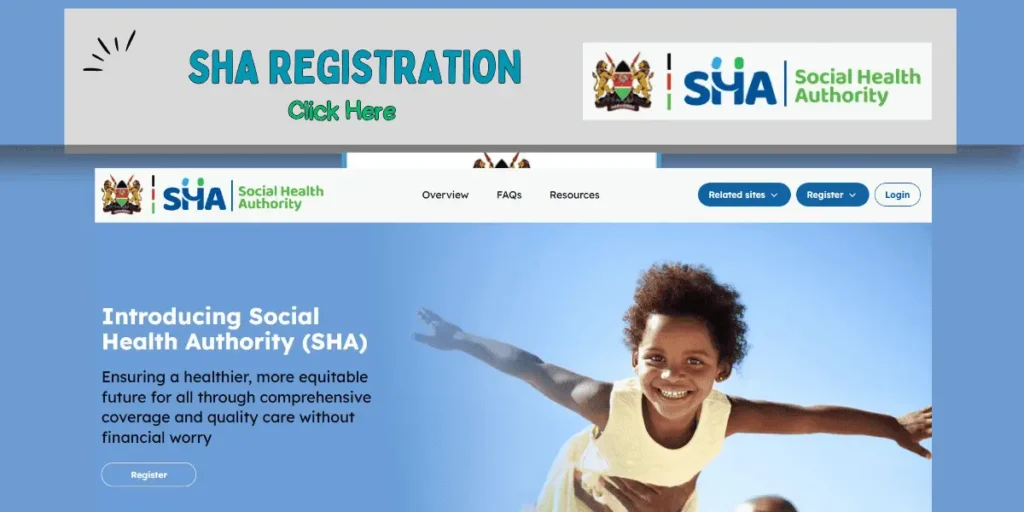
Method 1 — Register Online at afyayangu.go.ke
Best when you have your National ID and a stable internet connection. Prepare a clear photo or PDF of your documents before you start — you will need them during the dependants step.
- Open afyayangu.go.ke in your browser. If the page loads slowly, open it in Google Chrome in Incognito Mode (Ctrl+Shift+N) to clear cached errors from the old NHIF portal.
- Click Register on the homepage.
- Enter your National ID Number and the mobile number you want permanently linked to your SHA health records.
- Click Send OTP. An SMS verification code will arrive within 60 seconds. If it does not arrive: confirm your phone is not on Do Not Disturb mode, check that your SMS inbox is not full, wait three minutes, then click Resend OTP. If the OTP still fails, switch to Method 2 below — USSD does not require an OTP.
- Enter the OTP and click Verify.
- Fill in your personal details: full name as on your ID, county of residence, sub-county, ward, and occupation. If you are on TSC payroll, select Employed — Civil Servant / Teacher.
- Select your preferred outpatient facility from the directory dropdown. This is the clinic or health centre where you will receive primary care under the Primary Healthcare Fund. You can change this selection from your dashboard at any time.
- Click Submit Registration. Your profile will show as Pending Verification for up to 24 hours while your details are checked against the IPRS database. Once confirmed, the status switches to Active.
Method 2 — Register via USSD *147# (Any Phone, Any Network)
This method works on basic feature phones and requires no internet connection or OTP. It is the most reliable option when the Afya Yangu website is timing out.
- Dial *147# on your mobile phone. The SHA USSD code is free on Safaricom, Airtel, and Telkom.
- From the main menu, select 1 — Registration.
- Enter your National ID Number when prompted. The system automatically pulls your official IPRS records to create your basic SHA profile without requiring any document uploads.
- Review your pre-filled name and details on screen, then select 1 — Confirm.
- You will receive an SMS confirmation once your basic profile is created. When you next have internet access, log in to afyayangu.go.ke to complete your profile, select your preferred facility, and add your dependants.
Method 3 — Walk In at a Huduma Centre or SHA Branch Office
If your ID is flagged as “already mapped” or your NHIF migration data is stuck in a loop, a physical walk-in is the fastest resolution. Visit any Huduma Centre nationwide and ask for the Ministry of Health / SHA desk, or visit a former NHIF branch office, which now operates as an SHA service point. Bring your original National ID. You will fill a physical registration form and may provide a biometric fingerprint scan to secure your profile.
How to Log In to Your Afya Yangu Account
Once your SHA registration status shows Active, the Afya Yangu portal at afyayangu.go.ke is your main dashboard for managing health cover, viewing contribution history, confirming eligibility before any hospital visit, and checking dependant status.
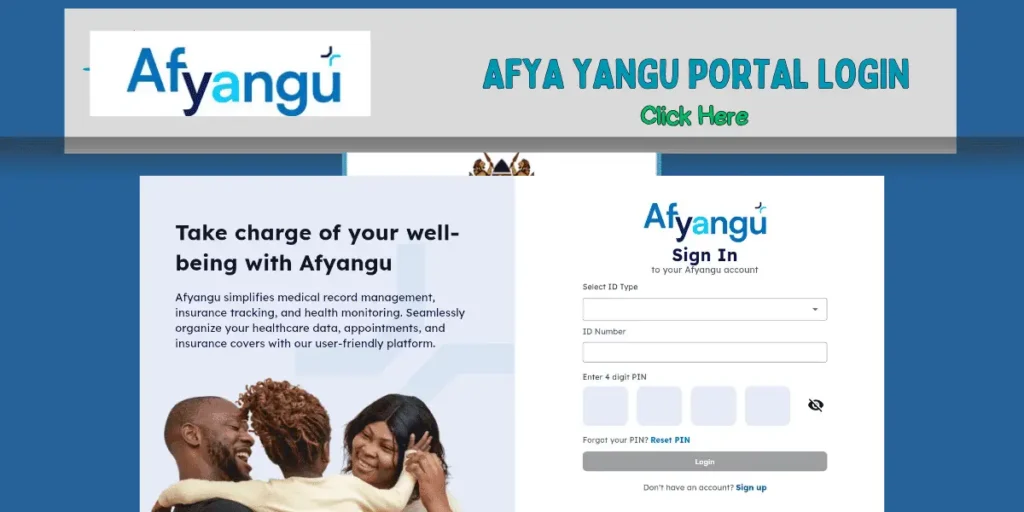
- Go to afyayangu.go.ke and click Login.
- Enter your National ID Number and your password. If you registered via USSD *147# and have not yet created a password, click Forgot Password, enter your registered ID number and mobile number, and a reset OTP will be sent to your phone.
- Click Sign In. Your dashboard loads with four key sections: Membership Status (Active / Inactive / Pending), Contribution History (TSC deductions and individual M-Pesa payments), Beneficiary List (all registered dependants), and the Eligibility tab (confirm your cover before a hospital visit).
- At a hospital or clinic, you do not need a physical card. Provide your National ID Number at reception, or allow biometric fingerprint verification. You can also show your active profile on the Afya Yangu mobile app as proof of cover.
⚠️ Security Advisory for Teachers
Never share your Afya Yangu password, OTP verification codes, or M-Pesa PIN with anyone — including cyber café attendants or callers claiming to be SHA agents. SHA customer care will never ask for your PIN or OTP over the phone or by SMS. Always log out of the Afya Yangu portal immediately after using a shared or public computer.
SHA Dependants Registration — How to Add Your Spouse and Children
Under SHA, family members are not automatically covered when you complete your principal registration. Each dependant must be added manually through the Afya Yangu portal with verified supporting documents. Until this step is complete, your spouse and children will not be recognised at the SHA claims desk when they seek treatment.
Adding Your Spouse to SHA
- Log in at afyayangu.go.ke and navigate to My Profile → Dependants → Add Dependant.
- Select Spouse as the relationship type.
- Enter your spouse’s National ID Number and full name exactly as it appears on their ID card.
- Upload a clear scan or photo of the Marriage Certificate. If you do not have a Marriage Certificate, a verified legal Affidavit from a Commissioner of Oaths is accepted as an alternative.
- Click Submit for Verification. SHA reviews the document within 24–48 hours. Your spouse’s status will update to Active once verification is approved.
Adding Children to Your SHA Profile
Children are covered up to age 18. If a child aged 18–25 is enrolled in a full-time educational institution, cover continues — but proof of enrollment must be re-uploaded at the start of each academic year.
- From your dashboard, go to My Profile → Dependants → Add Dependant.
- Select Child as the relationship type.
- Enter the child’s full name and date of birth.
- Upload the Birth Certificate. For newborns, a Birth Notification — the hospital-issued document provided before the formal birth certificate is processed — is accepted.
- For a child aged 18–25 in full-time school, also upload a current school admission letter or fees statement confirming enrollment for the current academic year.
- Click Submit for Verification.
| Dependant Type | Required Document | Age Cover Limit | Processing Time | Fee |
|---|---|---|---|---|
| Spouse | Marriage Certificate or verified Affidavit (Commissioner of Oaths) | No age limit | 24–48 hours | Free |
| Child (Under 18) | Birth Certificate or Birth Notification (newborns) | Up to 18 years | Instant to 24 hours | Free |
| Child (18–25, in school) | Birth Certificate + current school fees statement or admission letter | Up to 25 years while enrolled full-time | 24–48 hours | Free |
SHA Contribution Rates — What TSC Teachers Pay in 2026
For teachers on TSC payroll, SHA contributions are deducted automatically each month alongside NSSF and Income Tax — no separate payment setup is needed. To confirm your SHA deduction appears correctly, download your payslip from payslip.tsc.go.ke and look for the SHA / SHIF line item.
- Rate (salaried TSC teachers and civil servants): 2.75% of gross monthly salary
- Minimum monthly deduction: KSh 300
- Self-employed / informal sector: KSh 300/month (subject to household means-testing — qualifying households may receive a government contribution subsidy)
- Individual M-Pesa contributions (self-employed or supplementary payments): Use M-Pesa Paybill 200222, Account Number = your National ID Number. Confirm the recipient name displays as SHA before entering your PIN.
- USSD payment alternative: Dial *147# → select Payments → follow the M-Pesa push prompts.
For a full breakdown of how SHA and other statutory deductions affect your monthly net pay, read our TSC Online Services and T-Pay Payslip Guide →
How to Check Your SHA Status Before Visiting Hospital
Check your SHA eligibility before any scheduled procedure or specialist visit. A claim submitted against an inactive or unregistered profile will be rejected at the facility billing desk — and reversals take days to process.
- Via the Afya Yangu Web Portal: Log in at afyayangu.go.ke and click the Eligibility tab. Your active cover, registered dependants, and preferred outpatient facility are all displayed on this screen.
- Via USSD: Dial *147# → select Check Status. The system returns your account status (Active / Inactive) and flags any pending arrears in real time — no internet needed.
- Via the Afya Yangu App: Download the official Afya Yangu app from the Google Play Store or Apple App Store. Log in with your ID number and password to view your digital coverage card — hospital reception staff can scan this in place of a physical membership card.
Common SHA Registration Errors and How to Fix Them
The NHIF-to-SHA data migration introduced system-mapping issues that continue to affect some members. The table below lists the most frequent errors and their verified fixes — confirmed with the SHA support desk.
| Error / Problem | Cause | Verified Fix |
|---|---|---|
| “ID Already Registered / Mapped to Another Number” | NHIF data was partially migrated and is linked to a different mobile number in the IPRS database | Do not attempt a second registration. Call 0800 720 601 (toll-free) or visit a Huduma Centre with your original National ID to request manual account unlinking |
| OTP Not Arriving (Safaricom / Airtel) | SMS inbox is full, Do Not Disturb mode is active, or a DND filter is blocking promotional SMS | Clear your SMS inbox, disable DND mode, wait three minutes, then click Resend OTP. If it still fails, switch to USSD *147# — no OTP is required for USSD registration |
| “User Does Not Exist” on Login | Your NHIF record was not migrated to SHA — your account requires fresh registration | Register first via USSD *147# or walk in to a Huduma Centre. Only attempt to log in after your profile is confirmed as Active |
| Dependants Not Reflecting at Hospital Check-In | Verification documents are still under SHA review (up to 48 hours), or documents were rejected for poor image quality | Log in and check My Profile → Dependants. If status shows Rejected, re-upload in PDF format (phone camera photos frequently fail quality checks). Call 0800 720 601 if status shows Pending for more than 72 hours |
| Account Locked After Failed Login Attempts | Three or more consecutive wrong password entries triggers an automatic security lockout | Click Forgot Password on the Afya Yangu login page. Enter your National ID number and registered mobile number — a password reset OTP will be sent to your phone |
| M-Pesa Payment Not Reflecting on Account | Transaction completed but sync is delayed — typically 2–6 hours during high-traffic periods | Wait six hours, then verify via *147# → Check Status. If payment is still missing after 24 hours, call 0800 720 601 with your M-Pesa confirmation code (e.g., RBC12345XX) |
Official SHA Support Contacts and Service Points
All channels below are verified from the SHA corporate website at sha.go.ke. Do not contact SHA through WhatsApp numbers or social media DMs — these are not official SHA channels and are frequently used by fraudsters to obtain personal data.
| Channel | Contact / Location | Best For |
|---|---|---|
| Toll-Free Helpline | 0800 720 601 | Account issues, ID mapping errors, payment disputes, activation delays |
| Direct Office Line | +254 (020) 272 3255 | General enquiries and case escalations |
| Customer Support Email | support@sha.go.ke | Written complaints, document upload rejections, formal escalation requests |
| General Information Email | info@sha.go.ke | Policy questions and general SHA queries |
| Huduma Centres (Nationwide) | All Huduma Centre locations — Ministry of Health / SHA desk | Walk-in registration, biometric verification, document submission, ID unlinking |
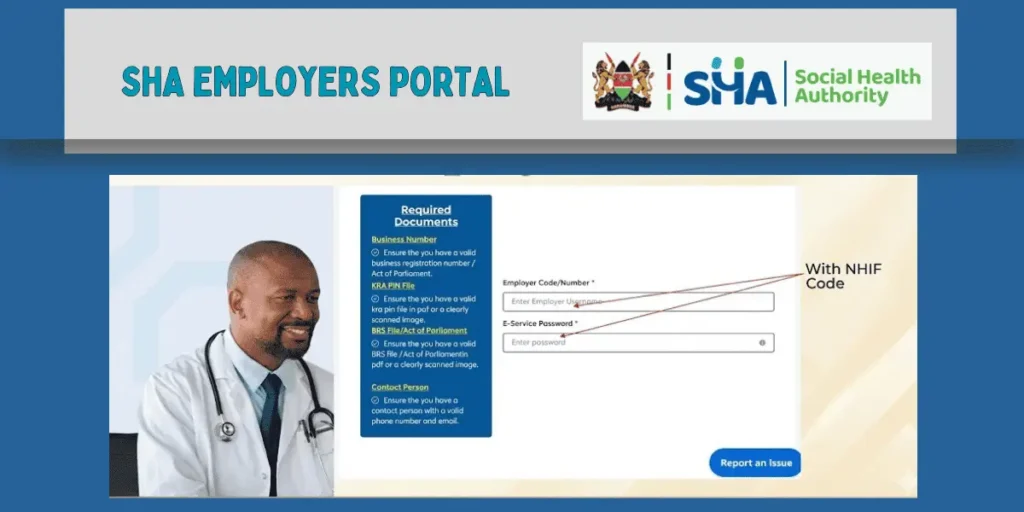
| SHA Employer Contribution Portal | portal.sha.go.ke | School heads and HR managers: staff list uploads and monthly remittance verification |
Frequently Asked Questions
Is SHA registration mandatory for TSC teachers?
Yes. SHA registration is mandatory for all Kenyan residents under the Social Health Insurance Act (SHIA). For teachers on TSC payroll, the 2.75% contribution is deducted automatically each month. However, each teacher must complete their own individual profile registration at afyayangu.go.ke — TSC does not register you automatically. If you have not yet registered, your monthly deductions are still being remitted to SHA, but you will be unable to access services or add dependants until your personal profile is confirmed as Active.
What happens to my old NHIF card and previous contributions?
Your physical NHIF card is no longer accepted at facilities. SHA replaces it with digital identity verification — your National ID and biometrics at the hospital reception, or the Afya Yangu app on your phone. All previous NHIF contribution records have been migrated to your SHA profile. To confirm your history transferred correctly, log in at afyayangu.go.ke and check the Contribution History tab. If records are missing, call 0800 720 601 and request a migration audit — the SHA support desk can trace and restore missing data.
Can I register for SHA without a smartphone?
Yes. Dial *147# on any mobile phone — including basic feature phones (kitochi) — on any Kenyan network. The USSD service is completely free and creates your SHA profile using records pulled directly from the national IPRS database. No internet connection, no app download, and no OTP code is needed. After USSD registration, visit a Huduma Centre if you need to add dependants and do not have internet access.
My dependants are not reflecting at the hospital — what do I do?
Log in at afyayangu.go.ke and check each dependant’s status under My Profile → Dependants. If the status shows Pending, documents are still under SHA review — allow up to 72 hours. If the status shows Rejected, re-upload clearer document copies in PDF format, as phone camera photos frequently fail SHA’s image quality threshold. If the problem persists beyond three working days, call 0800 720 601 or visit a Huduma Centre and bring the original documents for manual verification.
How long does SHA registration take to activate?
Online registration via afyayangu.go.ke typically activates within 24 hours once your details are verified against the IPRS database. USSD registration via *147# creates your basic profile immediately, but full activation — including outpatient facility assignment — may take up to 48 hours. If your status remains Pending after 72 hours, contact SHA support on the toll-free line 0800 720 601 for a manual account review.
Can I change my preferred outpatient facility after registration?
Yes. Log in at afyayangu.go.ke, go to My Profile → Preferred Facility, and select a different SHA-accredited clinic or health centre from the directory. Changes take effect within 24–48 hours. In a medical emergency you are not restricted to your preferred facility — any SHA-accredited hospital will accept you and file the claim regardless of your facility selection.
Related Guides on Teachers Kenya Hub
- TSC Online Services Portal 2026 — T-Pay Payslips, HRMIS, TPAD2 and TMIS Guide — Download your monthly payslip, apply for leave, and manage your TSC profile from services.tsc.go.ke
- KNEC CBA Portal Login and Score Upload Guide 2026 — Step-by-step instructions for uploading Competency Based Assessment scores for Grades 1–9 at cba.knec.ac.ke
- KNEC Portals Overview 2026 — CP2, QMIS, CBA and KCSE Results — Full directory of all active KNEC portals with direct verified login links
- Grade 10 KJSEA Placement Results and Calling Letter Guide 2026 — How to check your child’s senior school placement and download the admission letter at selection.education.go.ke
